Brand assets
Logos, colours, and type for anything you're making — stream overlays, thumbnails, jersey mockups, Discord banners. Dark backgrounds preferred; the crest is drawn for it.
Download everything (.zip) Logos, Discord assets, stickers, OBS scenes, Stream Deck icons — one file.
Logo

Keep clear space around it, don't recolour or stretch it, and don't put it on a light background — it's drawn with a dark backdrop in mind. It's for members representing the clan, not for anything implying it's official WARDOGS/Bulkhead/Team17 merchandise.
Discord
X (Twitter)
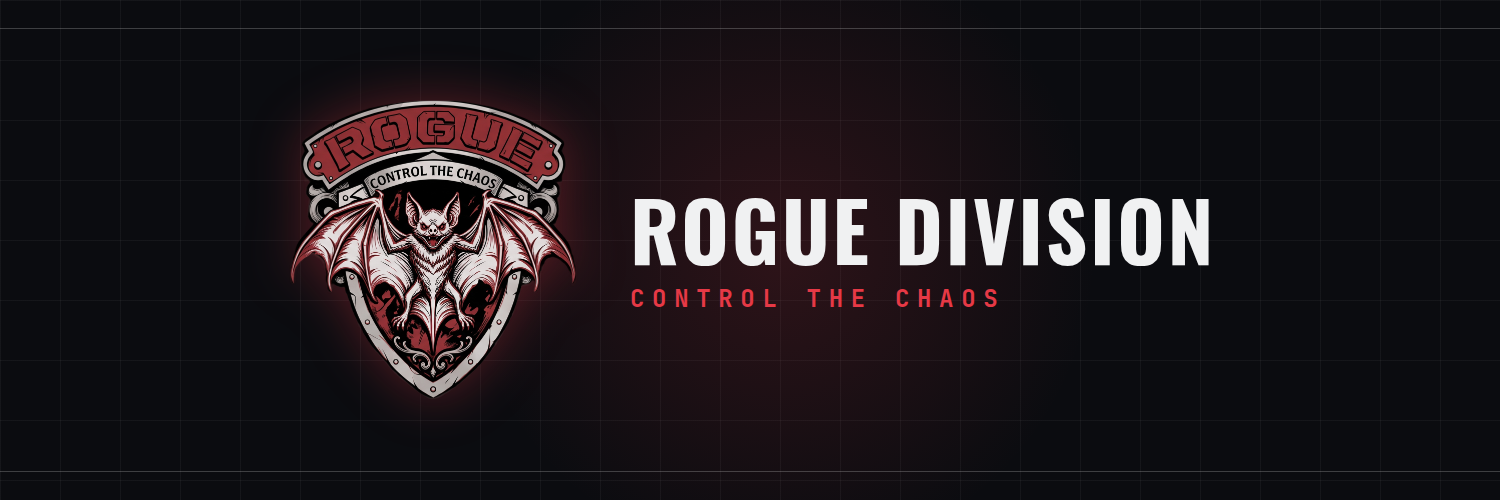
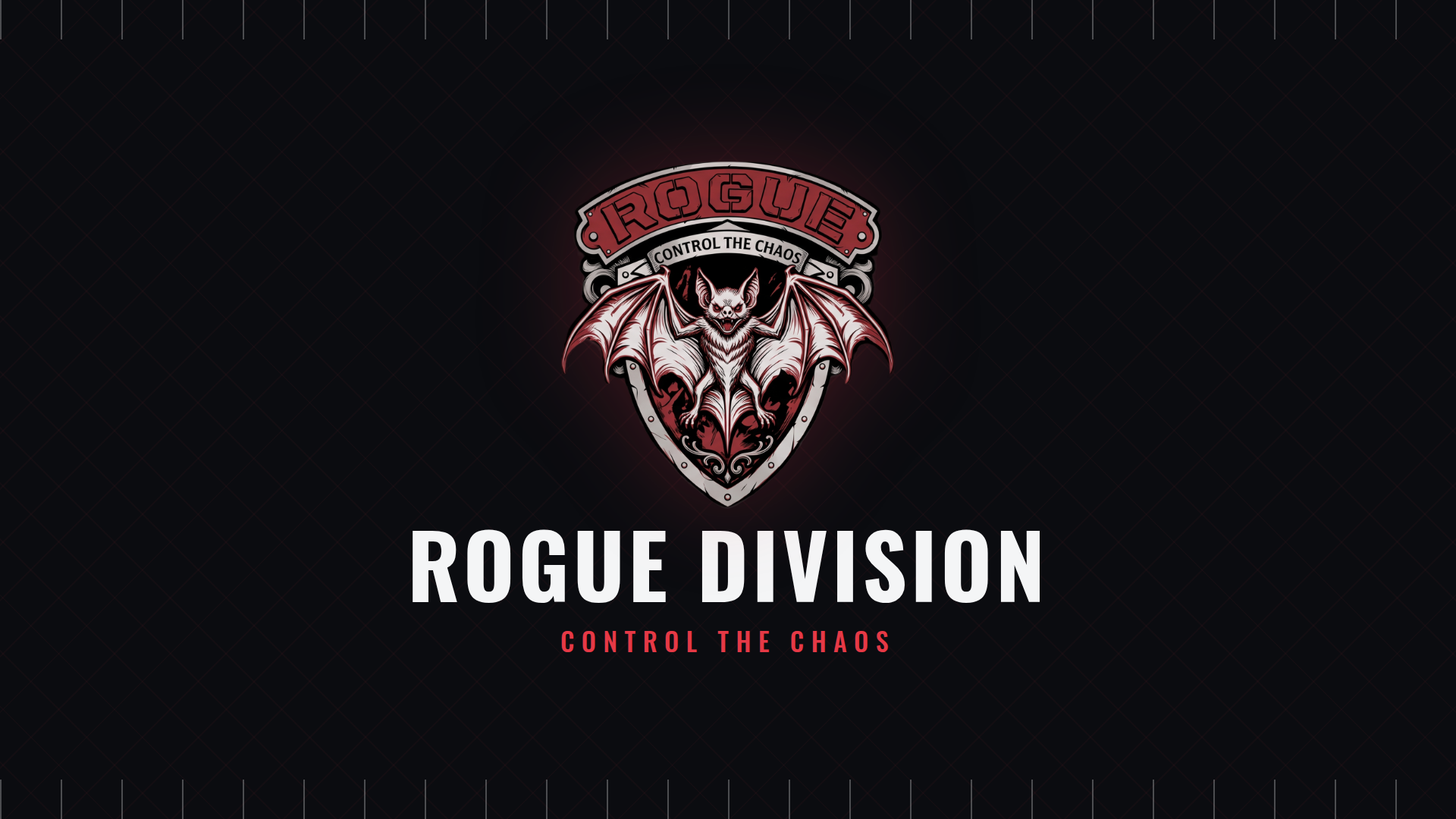
Profile header
1500×500 · Edit profile → Header photo. Keep the crest+wordmark clear of the bottom-left corner — that's where your profile photo overlaps.
DownloadTikTok
Profile photo
1080×1080 · cropped tighter with real padding so the bat survives TikTok's circular crop instead of getting clipped at the edges.
DownloadStream / OBS
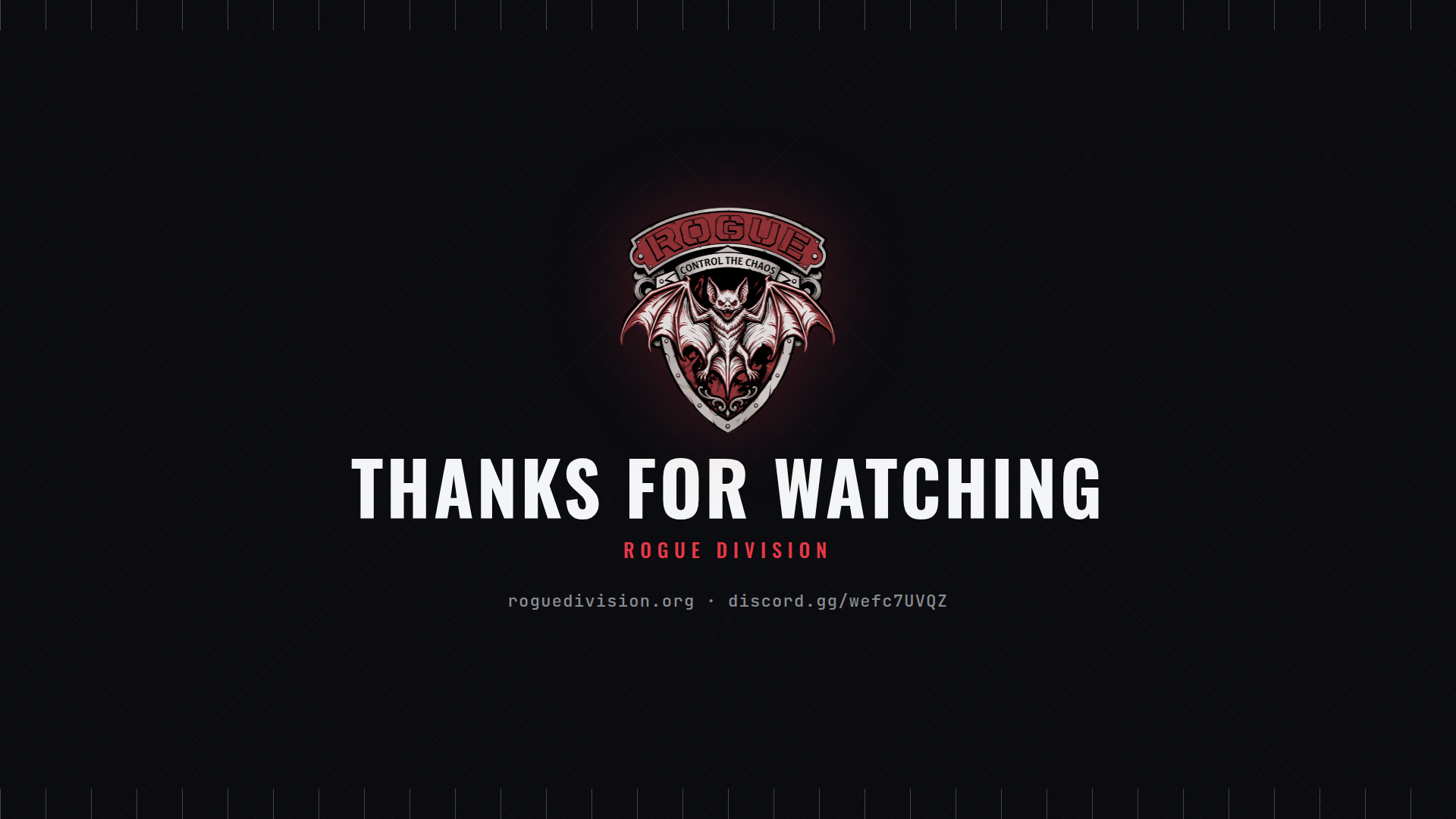
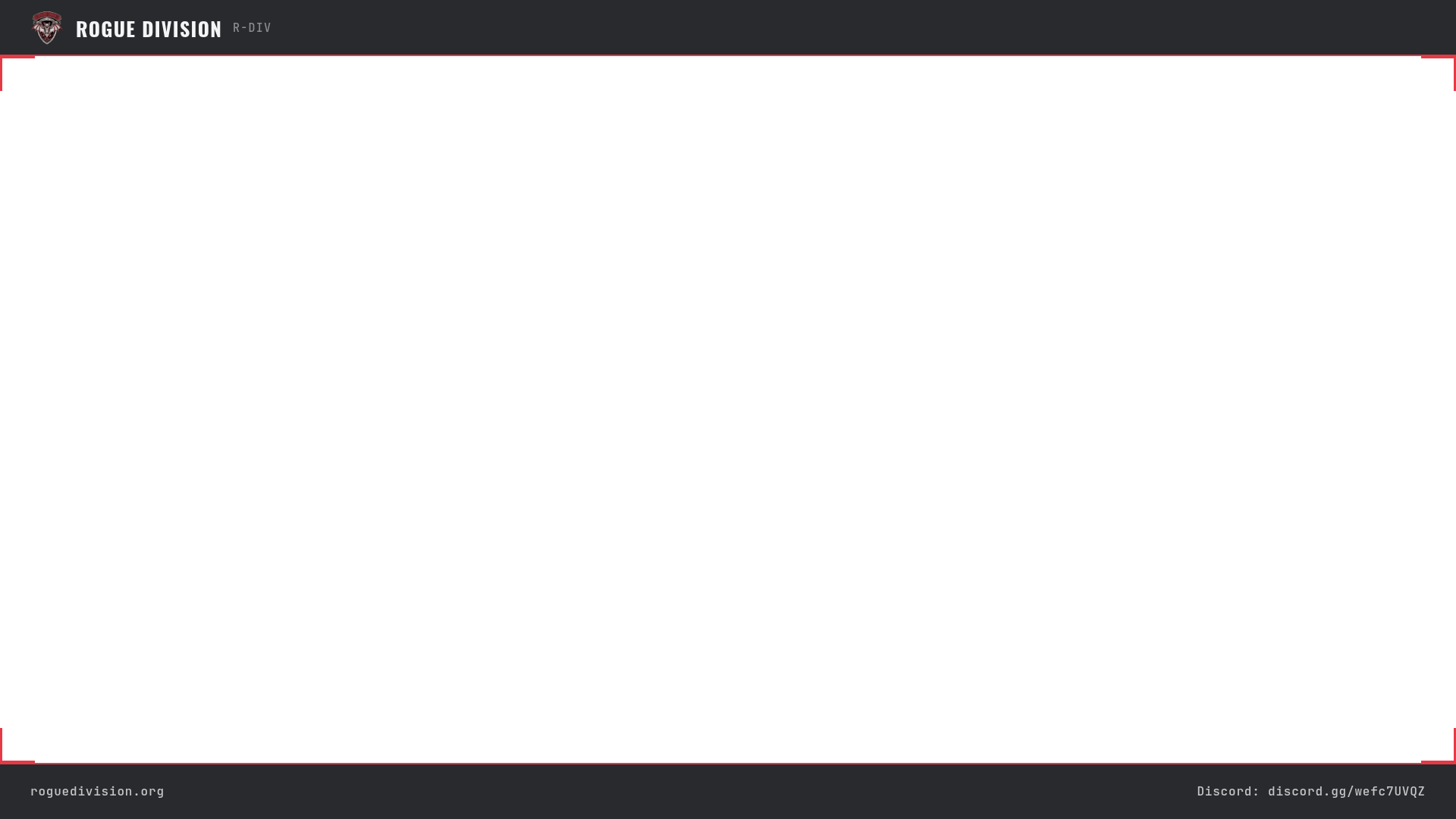
1920×1080. Same board language as the rest of the site — drop these straight in as Image sources in OBS (or any other streaming software).
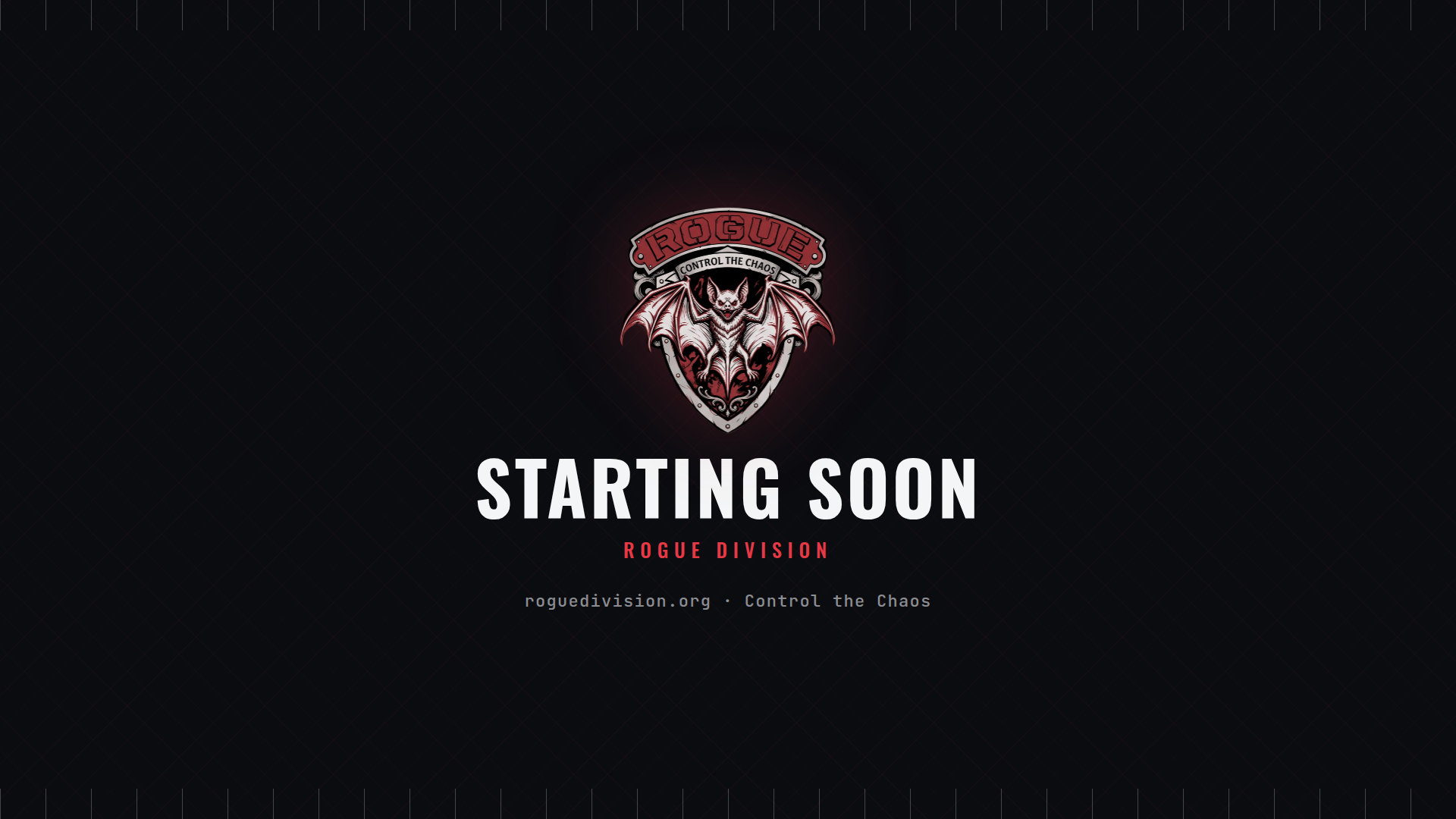
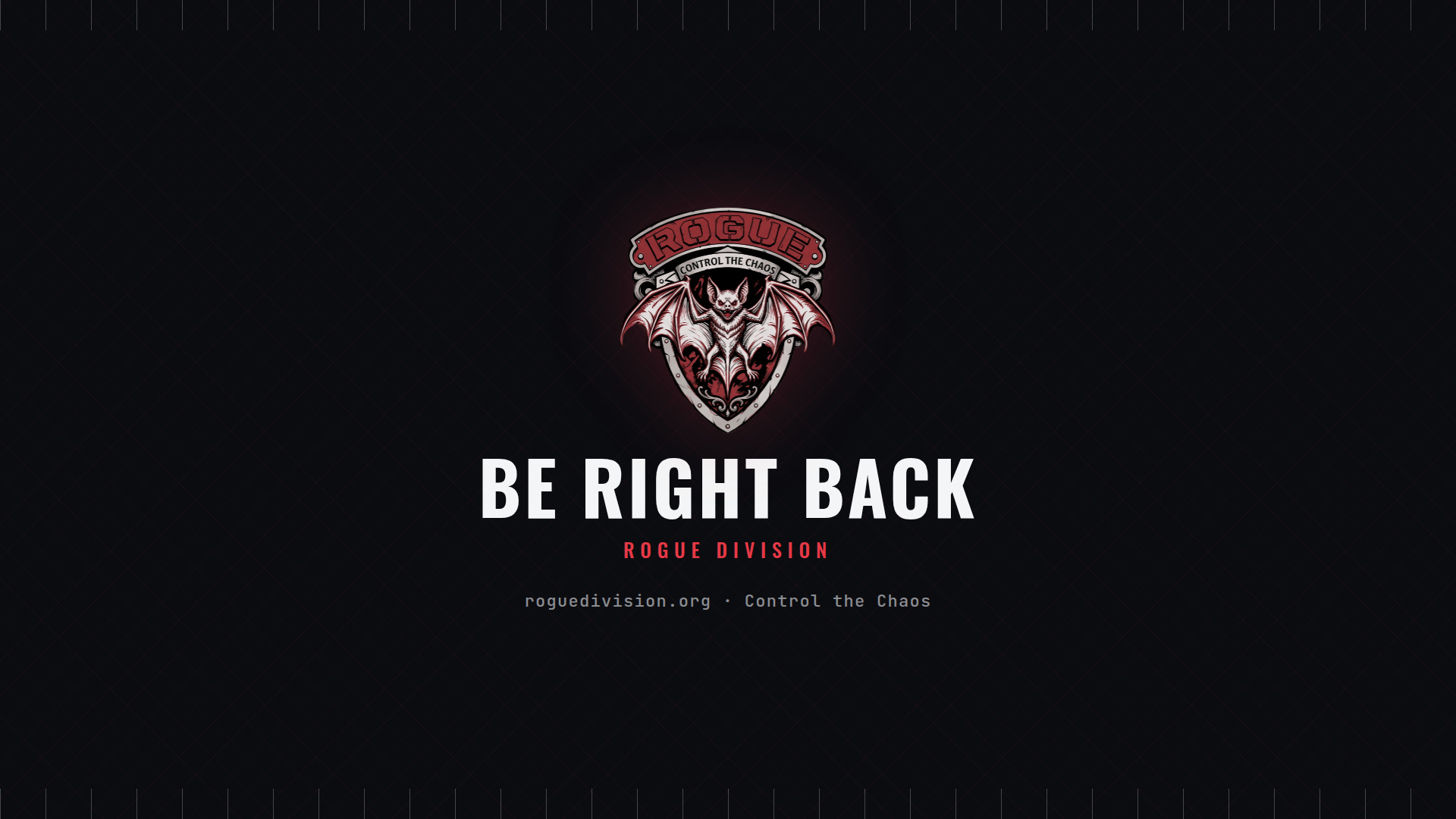
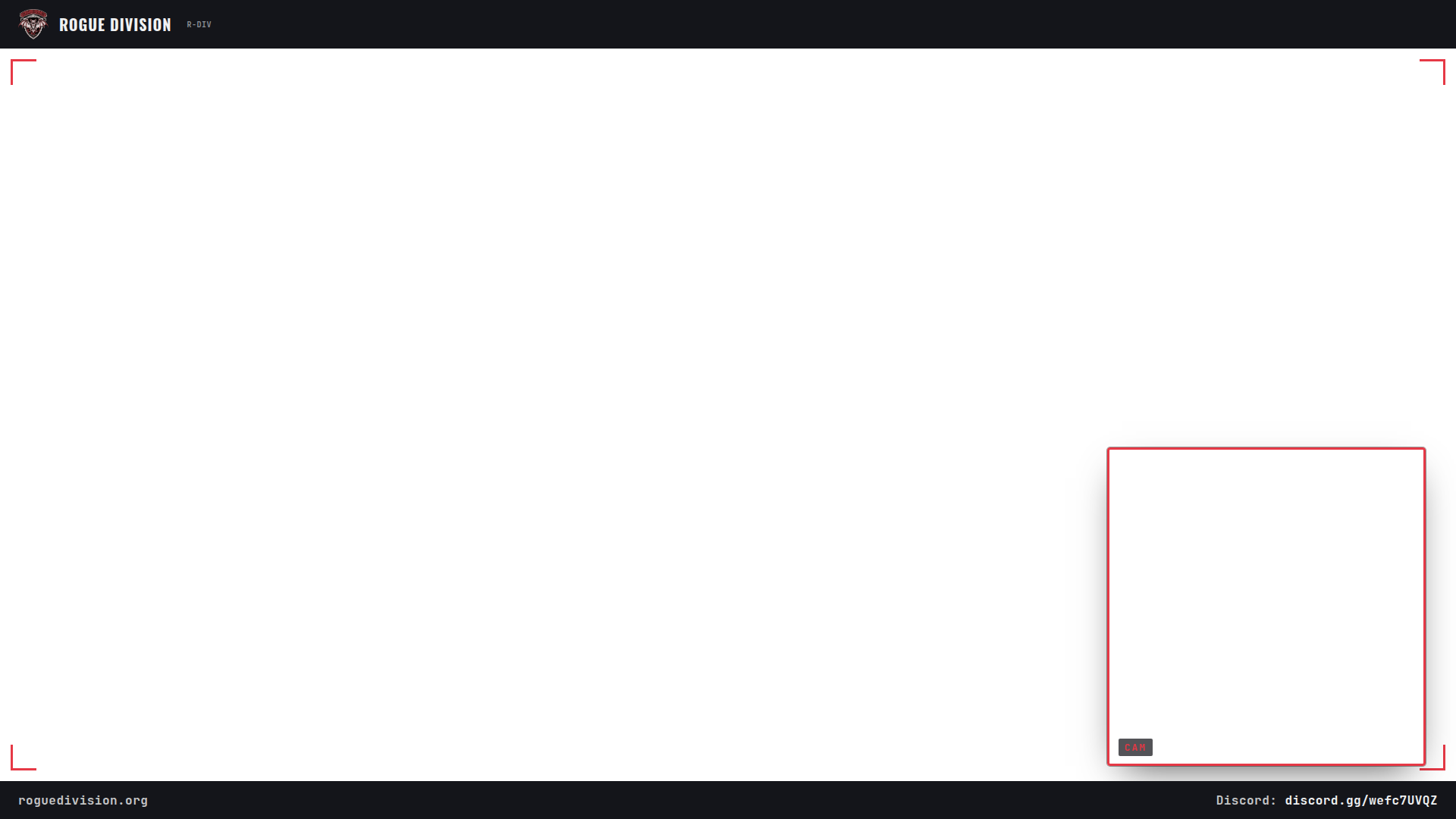
Webcam overlay
Same as above, plus a marked box bottom-right for a facecam — match your OBS video capture source to it (roughly 420×420 at 1460,590 on a 1920×1080 canvas).
DownloadStream Deck icons
144×144. Drag onto a button in the Stream Deck app as its icon image — pair Play Now and Going Live with your personal API links for real working buttons, or use the plain one for anything else (open Discord, open the site, etc).


Twitch panels
320×220 · Channel → Edit Panels → Add Panel → Image. Twitch caps panel images at 320px wide.


Discord stickers
320×320, ready to upload as-is (Server Settings → Emoji & Stickers → Upload Sticker).
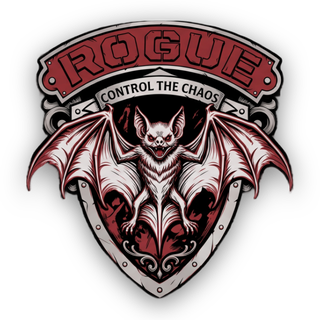
Discord caps sticker names/descriptions at 30 characters and static stickers at 512KB — all three are already well under that.
Colour
Type
Headings, labels, buttons, anything read as an instruction.
Numbers, stats, anything read off an instrument.
Motto
"Control the Chaos"
Also in circulation: Protocol Broken, Objective Won · Unregulated, Unmatched